Tasks & Projects
Tasks are BlinkLife’s core productivity unit. You can create them manually, capture them via voice, or let your companion extract them from conversations automatically.
Creating a task
Section titled “Creating a task”Via chat: Tell your companion — “Remind me to send the Q2 report to Sarah by Friday” — and it creates a task with the right due date.
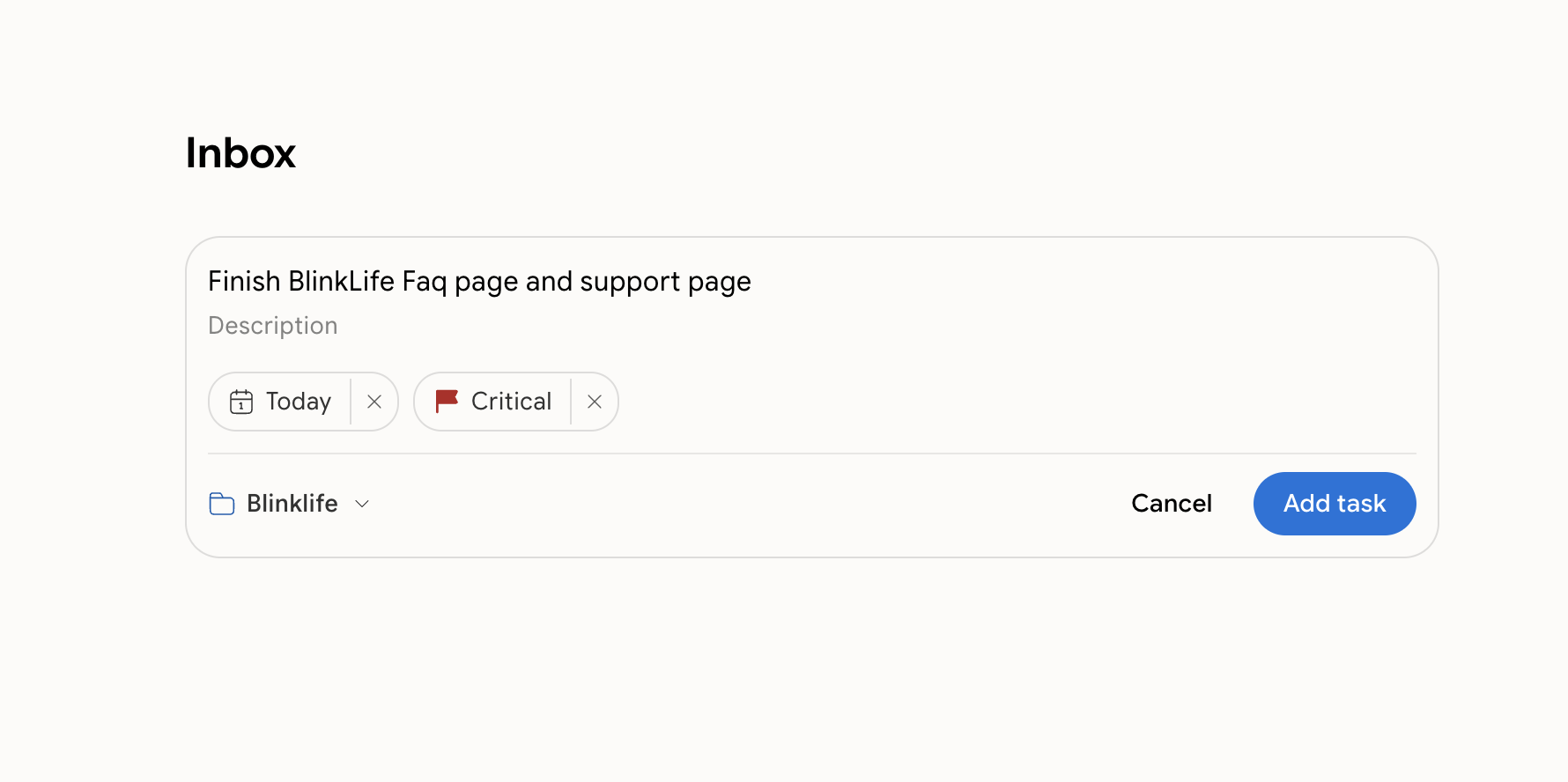
Via the Tasks tab: Tap + to open the quick-add form. Type the task name, set a due date, and save.
Via voice: During a voice conversation, say “Add a task to…” and your companion confirms the capture.
Task fields
Section titled “Task fields”| Field | Description |
|---|---|
| Title | What needs to be done |
| Due date | Optional. A task that’s due or overdue can surface as a Focus card on Home |
| Priority | A numeric score (higher = more important) |
| Energy level | High, Medium, or Low — how much focus this task needs |
| Project | Every task belongs to a project (or the Inbox) |
| Notes / description | Extra context or details |
Projects
Section titled “Projects”Projects group related tasks. Every task belongs to a project, and a project can hold much more than tasks — notes, reference files, and photos. See Projects.
The Inbox is a special built-in project where new tasks land if you don’t assign a project. Review it regularly and move tasks where they belong.
AI task extraction
Section titled “AI task extraction”After a voice session or long conversation, your companion may suggest tasks it noticed. You’ll see these as a prompt in Chat — accept to add them to your Inbox, or dismiss to ignore them.